Privacy
Your notes, voice memos, scans and attachments stay on your phone and are never sent to us. Anonymous usage and crash data help fix bugs and aren't linked to you. No accounts, no ads.
Read the privacy policy
Keep important notes where you can see them.
Sticky notes, checklists, voice memos and scans in one private space — with widgets that keep what matters on your home screen.
Screenshots
Features
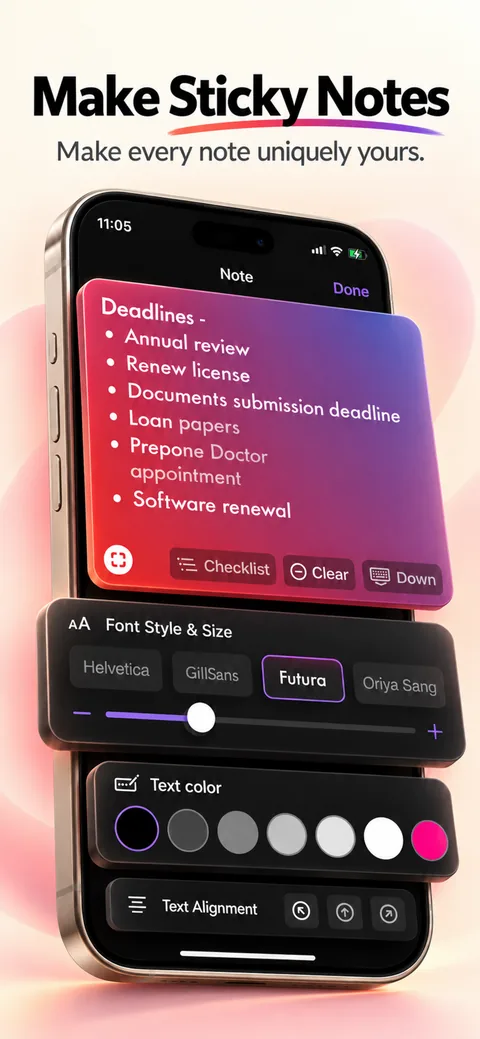
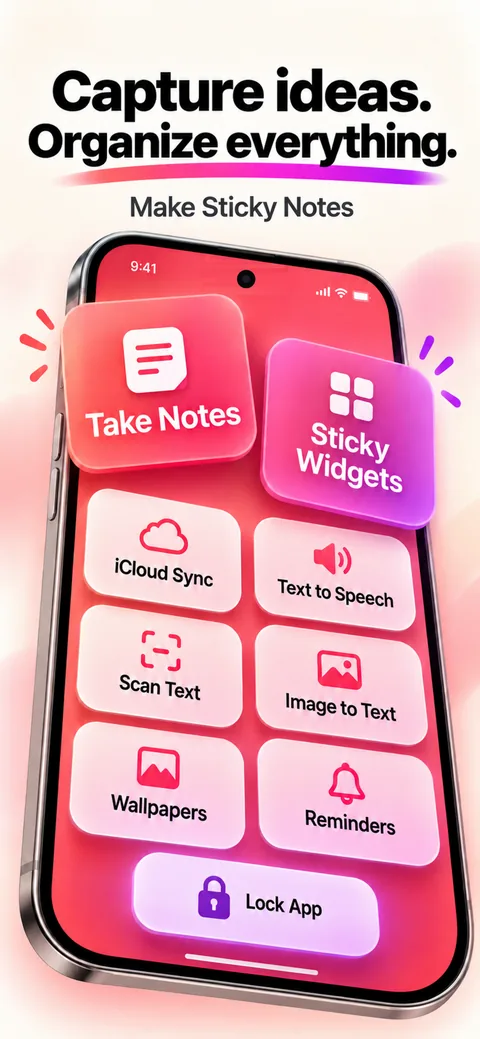
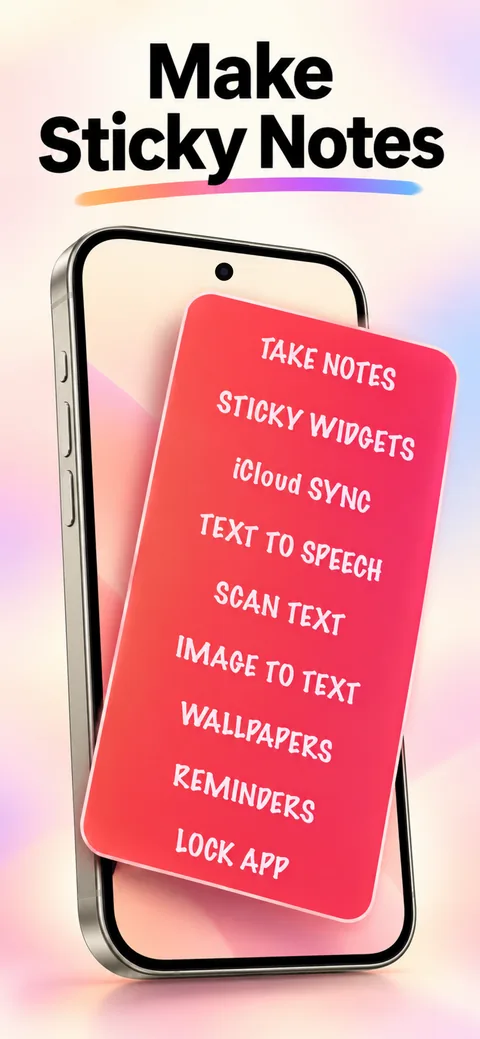
Pin notes to your home screen with sticky-note widgets.
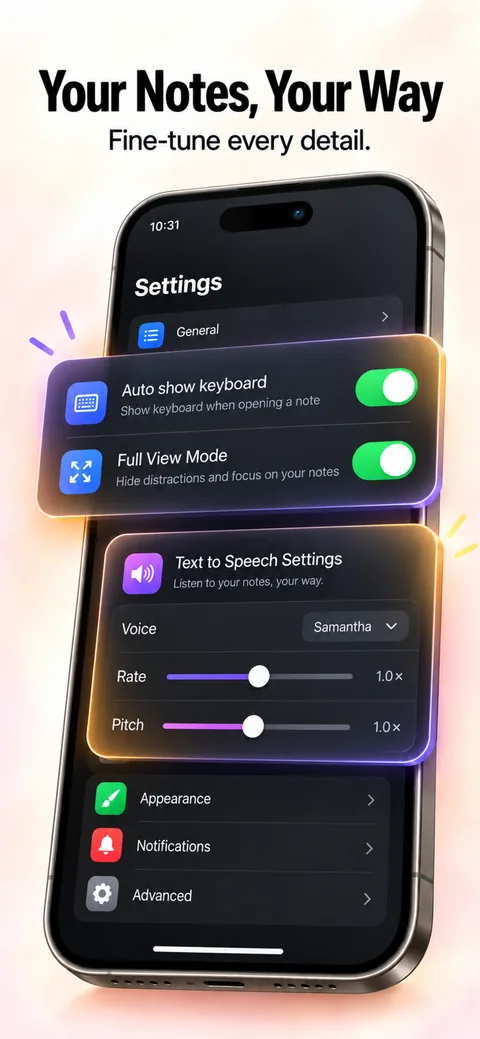
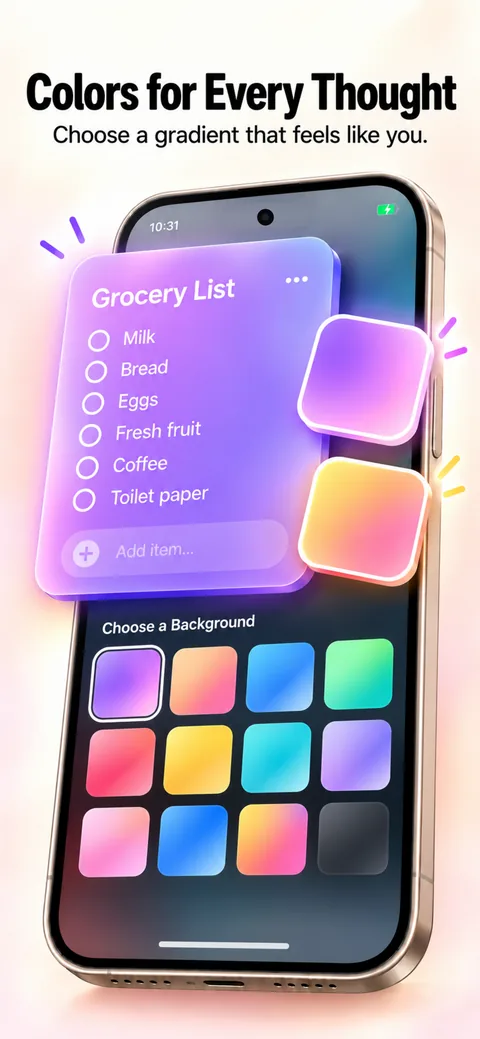
Type notes, tick off checklists, record voice memos and scan documents.
Scan documents with your camera and keep them with your notes.
Attach images and files to any note.
Set reminders so the right note finds you at the right time.
How it works
Create a note, checklist, voice memo or scan.
Add the Mini Notes widget to your home screen and pin the note to it.
Update the note any time, right from your phone.
Your notes, voice memos, scans and attachments stay on your phone and are never sent to us. Anonymous usage and crash data help fix bugs and aren't linked to you. No accounts, no ads.
Read the privacy policyFree, with no ads, no account and no in-app purchases.
Questions
On your phone, in the app's private storage. If Android's device backup is on, Android may include them in your Google account backup — we can't access it.
Only for the features you use: the microphone records voice memos, and the camera scans documents and takes photos. You can turn either off in Android settings.
Touch and hold an empty spot on your home screen, tap Widgets, find Mini Notes and drag it into place.
No. There are no ads, no account and no in-app purchases.
More apps